
KeyCite and the West Key Number System
The West digest system, is accessible via WestlawNext.
Also available is KeyCite. KeyCite is a case citator that provides a list of all the authorities citing a particular case, statute, or other legal authority.
KeyCite uses West’s attorney-authored case law headnotes and the West Key Number System to determine and immediately alert users that case law they are reviewing has been either overturned, or may have history which deems the precedential value of the opinion invalid.
KeyCite was introduced to Westlaw in 1997 as Westlaw's answer to Shepard's Citations, on which legal scholars and professionals relied for generations.
The user can access key numbers from the headnotes of a case or they can also browse and search the key number system from the Tools tab: Tools > West Key Number System.
Tools & Resources
When the user is viewing a particular document, there is a column on the right titled Tools & Resources, listing finding aids and secondary sources to supplement research. This sometimes includes the index to the document on screen, or other related research sources.
History & Folders
WestlawNext stores the user's search history for 365 days.
Documents can be stored in a research Folder for easy access later. WestlawNext automatically updates documents in folders as long as the document is in a folder.
For statutory code sections, Westlaw has a Graphical Statute history and legislative history documents linked from the History tab.
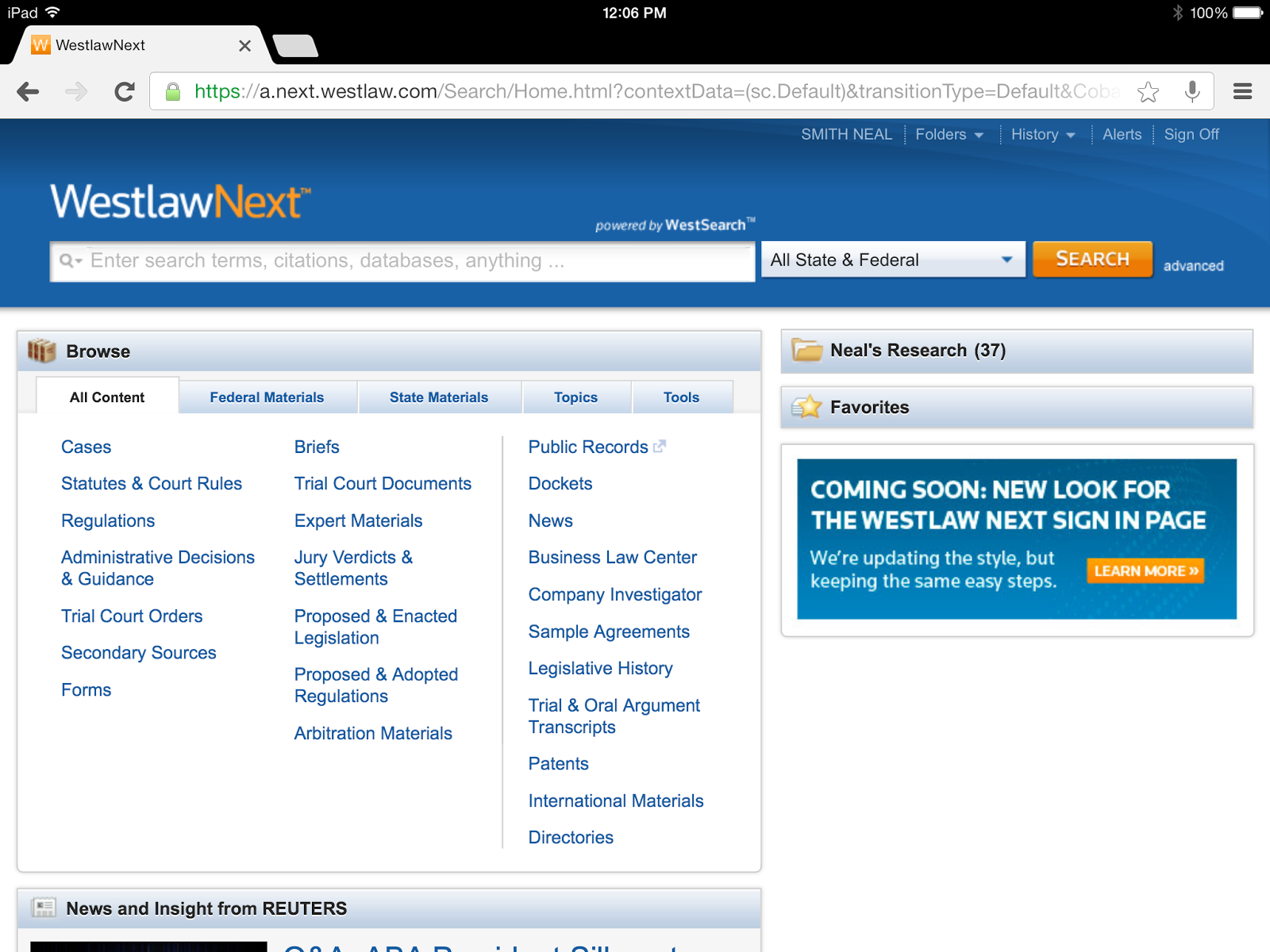
WestlawNext is designed to run any search simply from the main search bar and have the user filter the results afterwards (by content type, jurisdiction, date, etc.). The only pre-search filter available is jurisdiction, from the drop-down menu to the right of the search bar.
A user can select by State(s), such as South Carolina, New York, All States, or by Federal Court or Circuit, such as United States Supreme Court, Fourth Circuit, All Federal or the user can select one of the State options and select Include Related Federal.
Within that main search bar, you can run a keyword search, search by citation, search for a specific resource, or even search using a specific Westlaw Classic database.
WestlawNext also gives the user the option to conduct an advanced search by clicking the 'advanced' link to the right of the search button. This allows the user greater discretion over how a search isconducted. The user can require that the search results contain all of their search terms, any of their search terms, or an exact phrase. A user can also ensure that certain terms are excluded from the search results. In addition, the Advanced Search allows the user to restrict results by date and search by citation, name, or title. More information on this option is explained under the Search Tips page.